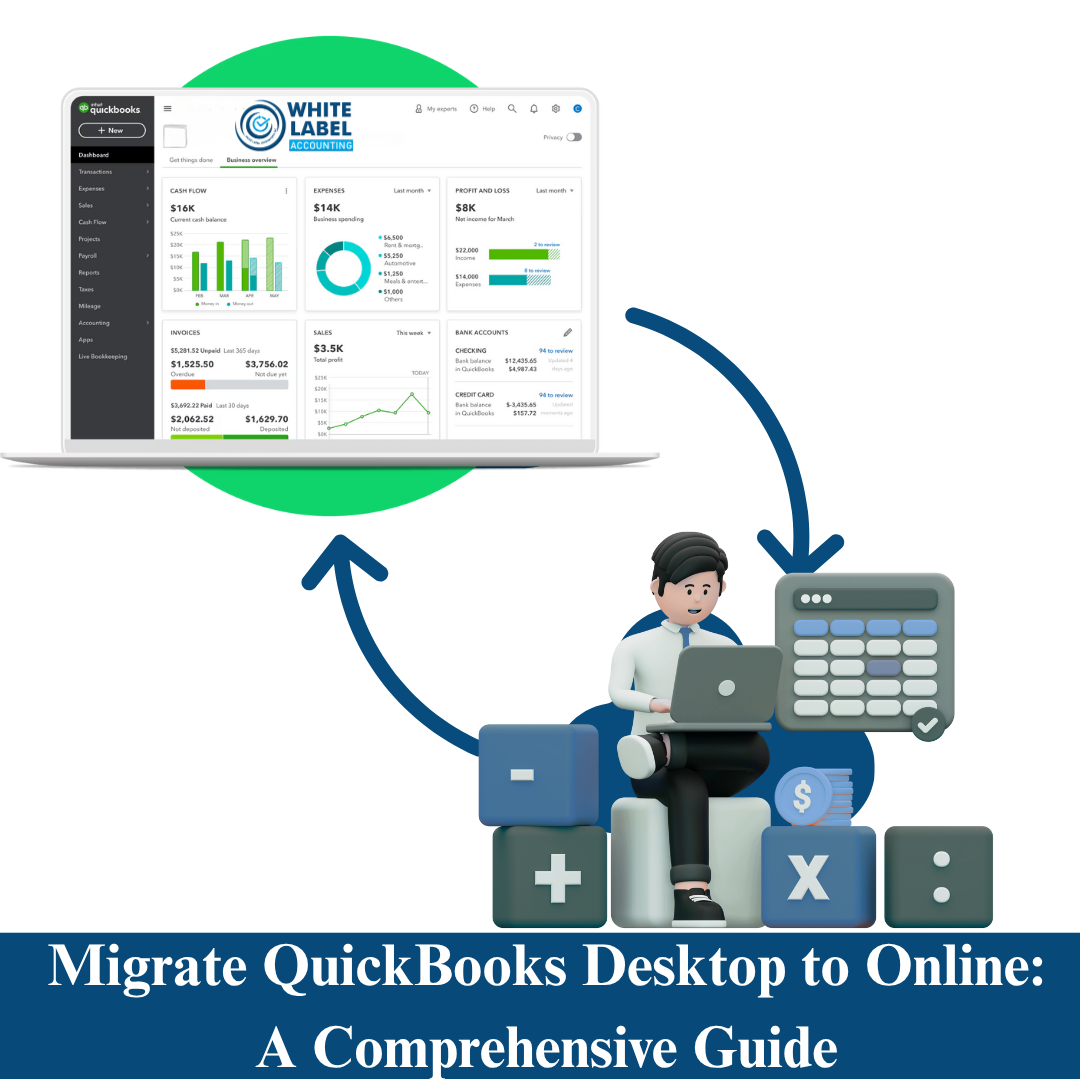
Switching from QuickBooks Desktop to QuickBooks Online can revolutionize how your business manages its finances. With cloud-based flexibility, real-time accessibility, and powerful automation, QuickBooks Online is quickly becoming the go-to solution for modern businesses.
At White Label Accounting Pro, we specialize in providing seamless QuickBooks migration services—ensuring your transition is accurate, efficient, and stress-free.
In this guide, you’ll learn why and how to migrate from QuickBooks Desktop to Online, key considerations to keep in mind, and how White Label Accounting Pro can make the process effortless.
Migrating from QuickBooks Desktop to Online unlocks a host of benefits designed to simplify your accounting and streamline your operations. Here’s why the switch makes sense:
Accessibility from Anywhere: Access your financial data anytime, anywhere, from any device with an internet connection.
Automated Updates: Enjoy automatic software updates—no more manual downloads or installations.
Real-Time Collaboration: Allow your team, bookkeepers, and accountants to work together simultaneously.
App Integrations: Connect QuickBooks Online with third-party tools for invoicing, payment processing, inventory, and more.
Enhanced Security: Your data is protected in the cloud with advanced encryption and automatic backups.
Migrating your accounting data can feel intimidating, but with proper planning and expert support, it’s a smooth process. Follow these key steps:
Start by cleaning up your existing file. Remove inactive accounts, duplicate vendors, and old transactions. Address any errors or discrepancies before migrating.
Not every feature from QuickBooks Desktop transfers perfectly. Review your current setup and ensure QuickBooks Online supports your business needs—or plan for third-party app integrations if necessary.
Always create a complete backup of your QuickBooks Desktop file. This acts as a safety net if you ever need to reference or restore your data later.
QuickBooks provides a built-in tool for transferring data.
To start:
Open your company file in QuickBooks Desktop.
Go to Company > Export Company File to QuickBooks Online.
Follow the prompts to complete your migration.
After migration, review your information in QuickBooks Online—especially:
Chart of Accounts
Customer and Vendor Lists
Transactions and Balances
Opening Balances
Tailor your setup to your business needs.
Consider:
Customizing invoices and sales forms
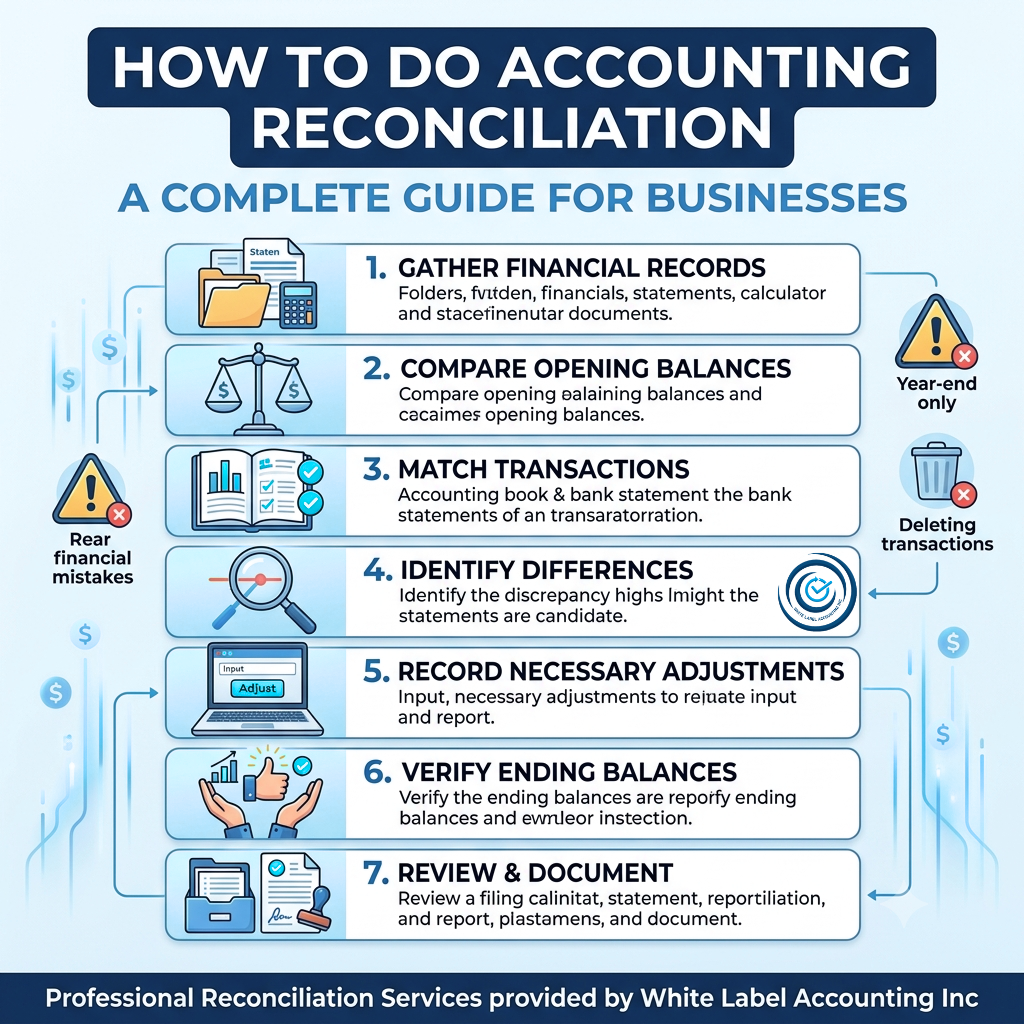
Connecting bank feeds for automatic reconciliation
Enabling payroll, inventory, and sales tax tracking
Ensure your staff understands QuickBooks Online’s interface and features. Proper training will help them get the most out of your new system.
While migrating from QuickBooks Desktop to Online is straightforward with professional guidance, you may encounter a few hurdles:
Data Size Limitations: Large files may need to be cleaned or condensed before migrating.
Feature Gaps: Advanced Desktop features like complex inventory tracking may only be available in QuickBooks Online Advanced.
Data Discrepancies: Minor mismatches can occur—accurate reconciliation post-migration is key.
Migrating to QuickBooks Online doesn’t have to be complicated. White Label Accounting Pro offers end-to-end migration services designed for accuracy, efficiency, and peace of mind.
Pre-Migration Assessment: We review and clean your existing QuickBooks Desktop file to ensure it’s ready for migration.
Seamless Data Transfer: Using best practices, we migrate your transactions, accounts, and balances securely and accurately.
Post-Migration Review: Our experts verify data accuracy and customize QuickBooks Online settings for your unique business requirements.
Training & Ongoing Support: We guide your team through the platform and provide ongoing support to help you make the most of QuickBooks Online.
Proven Expertise: Our team is highly experienced in both QuickBooks Desktop and Online platforms.
Precision & Reliability: We handle every migration with meticulous care to ensure data accuracy.
Comprehensive Service: From setup to post-migration training, we’re with you every step of the way.
100% Satisfaction Guarantee: We’re committed to making your migration smooth, secure, and successful.
Migrating from QuickBooks Desktop to Online is more than a software switch—it’s a strategic upgrade for your business. With enhanced accessibility, collaboration, and automation, QuickBooks Online empowers you to manage your finances more effectively.
Let White Label Accounting Pro handle your QuickBooks migration and experience a seamless, stress-free transition to cloud-based accounting.
Contact us today to get started and transform the way you manage your business finances.

Copyright © 2025 White Label Accounting Inc. All Rights Reserved | Developed by WITH U Technology Pvt. Ltd.