Handling sales tax for online transactions is essential for staying compliant, avoiding penalties, and maintaining accurate financial records—especially as e-commerce regulations continue to evolve across regions.
Below is a clear, practical guide to managing sales tax for online sales.
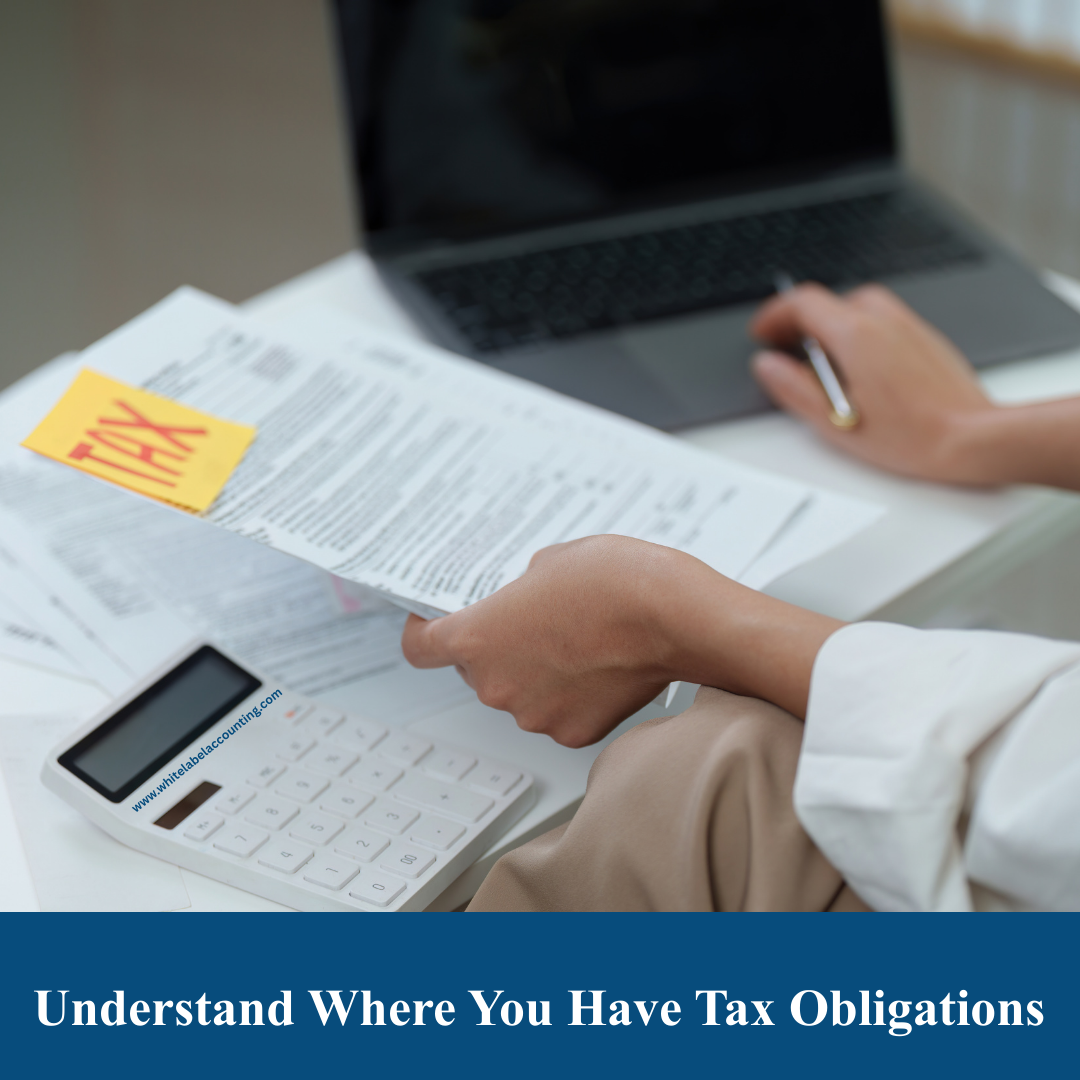
Sales tax responsibility depends on nexus, meaning a connection between your business and a state or country.
You may have nexus if you:
Operate from a physical location (office, warehouse, employee)
Store inventory in fulfillment centers
Exceed economic thresholds (revenue or transaction limits in a region)
Why it matters:
You must collect and remit sales tax in every location where nexus exists.
Sales tax rates vary by:
State or country
City or district
Product or service type
For example:
Digital products may be taxed differently than physical goods
Some items (food, books, education services) may be exempt or reduced-rate
Best practice:
Use automated tax software to calculate location-based rates in real time.
Before collecting sales tax, businesses must:
Register with the relevant tax authority
Receive a sales tax permit or VAT number
File returns on a scheduled basis (monthly, quarterly, or annually)
Collecting tax without registration can result in penalties.
Your checkout system should:
Detect the customer’s location
Apply the correct tax rate
Clearly show tax as a separate line item
Store transaction records for reporting
This ensures transparency and accurate reporting.
Maintain detailed records of:
Total sales by region
Tax collected
Exempt or zero-rated transactions
Refunds and adjustments
Most authorities require records to be kept for 3–7 years.
You must:
Submit sales tax returns by the due date
Pay collected tax to the authority
File even if no sales occurred (zero return)
Late filing may lead to:
Fines
Interest charges
Compliance audits
Special rules apply when:
VAT or GST may replace sales tax
Import duties and thresholds may apply
Some platforms collect and remit tax on your behalf
You may still need to register and report total sales
Always confirm responsibilities in each jurisdiction.
To reduce risk:
Implement sales tax automation software
Integrate tax tools with your e-commerce platform
Work with an accountant or tax advisor for compliance reviews
This is especially important for fast-growing online businesses.
Managing sales tax for online transactions can seem complex, but the process becomes manageable when you:
Identify where you owe tax
Apply correct rates
Maintain strong records
File and remit on time
A proactive, system-driven approach helps protect your business from penalties while supporting confident growth in the digital marketplace.


Copyright © 2025 White Label Accounting Inc. All Rights Reserved | Developed by WITH U Technology Pvt. Ltd.